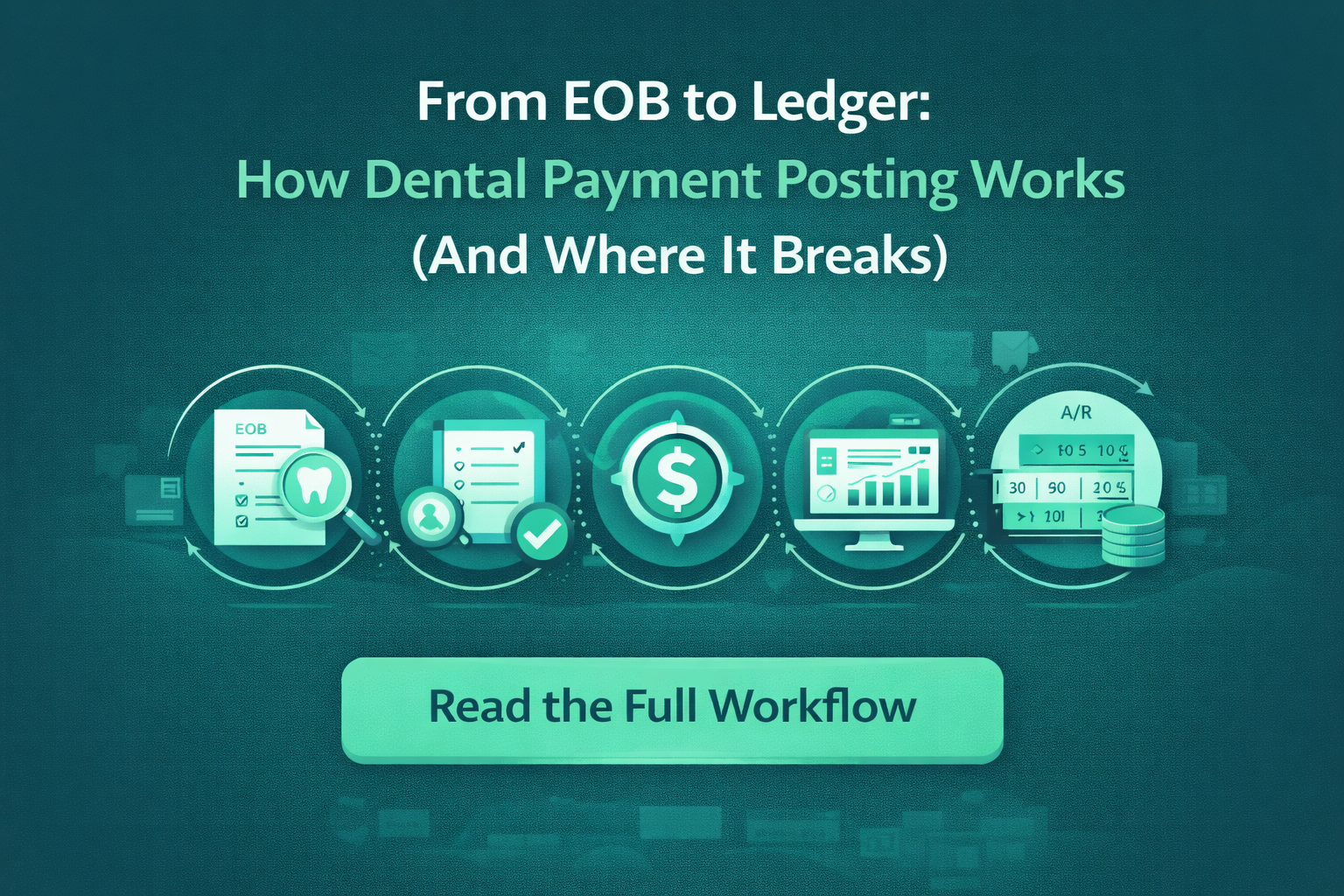
Dental payment posting is often treated as a routine back-office task. But in reality, it’s a multi-step process that directly impacts cash flow, reporting accuracy, and patient billing.
From receiving an EOB to updating the patient ledger, every step matters — and every step is a potential failure point if handled manually.
Let’s break it down.
Step 1: Receiving Insurance Payment Data (EOBs / ERAs)
The process starts when insurance companies send:
- EOBs (Explanation of Benefits)
- ERAs (Electronic Remittance Advice)
These documents include:
- Paid amounts
- Allowed amounts
- Adjustments and write-offs
- Denial reasons (if applicable)
⚠️ Where It Breaks
- EOBs come in different formats across payers
- Manual downloads from portals take time
- Missing or delayed remittances create gaps
Step 2: Interpreting Payment Details
Each line item must be reviewed to understand:
- What was billed
- What was paid
- What was adjusted
⚠️ Where It Breaks
- Misinterpretation of adjustment codes
- Incorrect write-offs
- Lack of standardization across teams
This is one of the most error-prone steps in manual workflows.
Step 3: Matching Payments to Claims
Payments must be accurately mapped to:
- Specific claims
- Procedures
- Dates of service
- Patient accounts
⚠️ Where It Breaks
- Payments applied to wrong claims
- Partial payments not tracked correctly
- Open claims left unresolved
Step 4: Posting to the PMS
Once verified, payments are entered into the Practice Management System (PMS):
- Insurance payments
- Patient responsibility
- Adjustments and write-offs
⚠️ Where It Breaks
- Manual data entry errors
- Inconsistent posting rules
- Delays causing A/R inaccuracies
Step 5: Identifying Underpayments and Exceptions
After posting, teams should verify:
- If the payer reimbursed correctly
- If any amount is missing
- If follow-up is required
⚠️ Where It Breaks
- Underpayments go unnoticed
- No standardized validation process
- Teams move on without verification
Step 6: Updating A/R and Triggering Follow-Ups
Once posting is complete:
- A/R aging updates
- Outstanding claims are flagged
- Follow-ups or appeals are initiated
⚠️ Where It Breaks
- Delayed posting = delayed follow-ups
- Inaccurate A/R reports
- Missed revenue opportunities
Why This Workflow Matters More Than You Think
Each step connects directly to:
- Cash flow timing
- Reporting accuracy
- Patient billing experience
- Overall RCM performance
A small breakdown in any step creates a ripple effect across the entire revenue cycle.
How Automation Improves the Payment Posting Workflow
Automation simplifies and strengthens this process by:
Standardizing Data Interpretation
No more guessing adjustment codes or payer formats.
Automating Payment-to-Claim Matching
Reduces misapplied payments and manual tracking.
Direct PMS Integration
Ensures accurate, real-time updates across ledgers.
Highlighting Exceptions
Teams focus only on:
- Underpayments
- Discrepancies
- Missing payments
How Dentistry Automation Fits Into This Workflow
Dentistry Automation helps streamline the entire journey:
- Automates EOB/ERA processing
- Standardizes posting logic
- Integrates directly with PMS systems
- Supports scalable workflows for DSOs
Instead of managing every step manually, your team focuses only where it matters.
Fix the Process, Not Just the Symptoms
Payment posting errors don’t happen randomly — they happen because the process is fragile.
By understanding the full workflow from EOB to ledger, practices and DSOs can identify where things break — and how automation creates a more reliable system.
Book a demo with Dentistry Automation to see how automated workflows improve payment posting accuracy and efficiency.