Payment posting is one of the most detailed parts of the dental revenue cycle. Every payment needs to be matched to the right patient and account, interpreted alongside the explanation of benefits, and recorded accurately. When teams handle a high volume of remittances, even small delays or inconsistencies can create more work downstream.
That is why more dental organizations are looking at AI-powered revenue cycle management (RCM) automation: to help reduce repetitive work and give billing teams more time for review, exception handling, and follow-up.
What makes payment posting challenging?
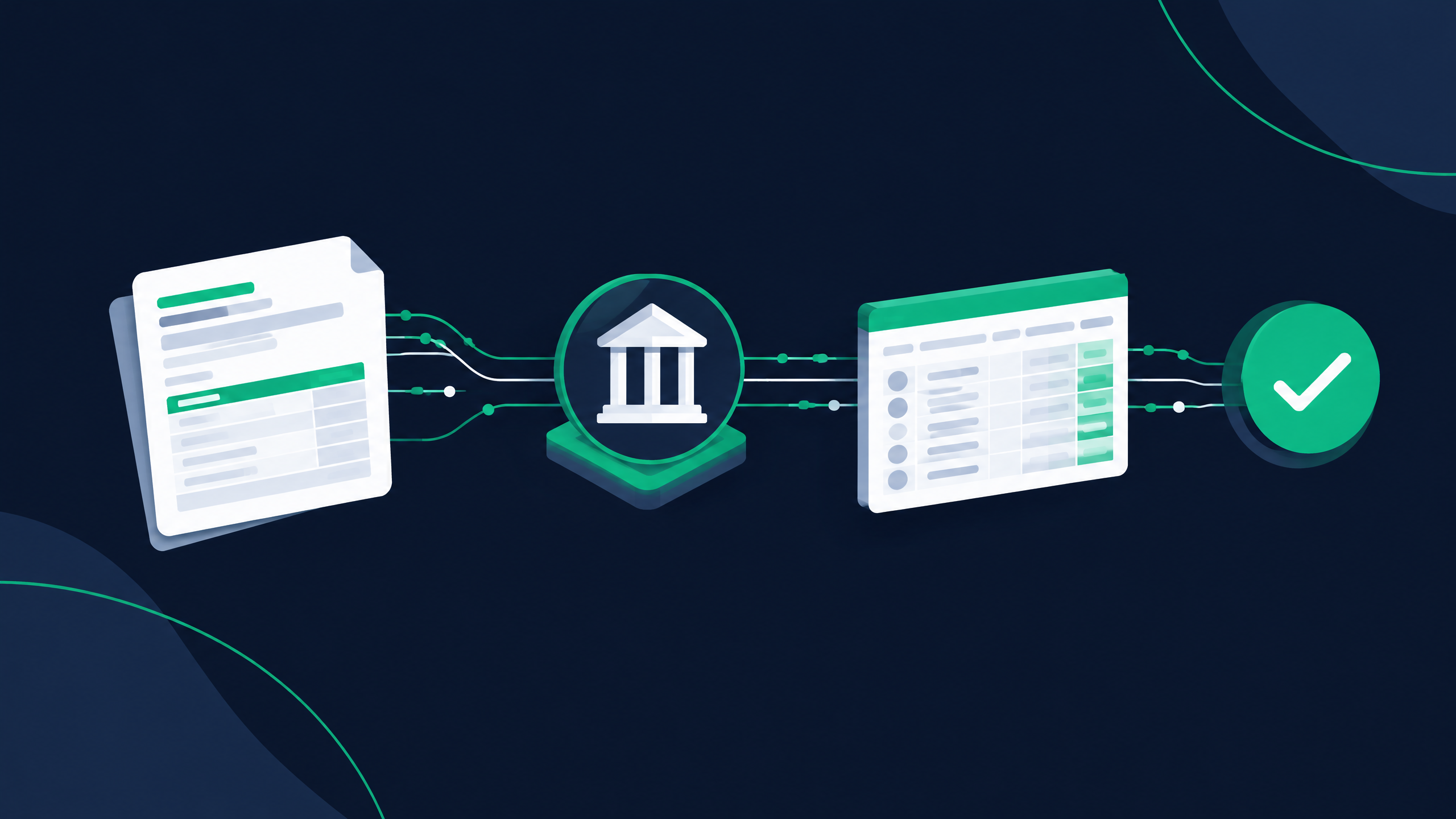
A single payment may involve several decisions: which claim or service it applies to, how adjustments should be recorded, whether the payment matches the expected amount, and whether a balance remains. Those decisions can be harder when information arrives in different formats or when teams manage multiple locations and workflows.
A practice may use Dentrix, Eaglesoft, WinOMS, Oryx, or another dental practice management system (PMS). The surrounding payment process can vary by organization, payer, and configuration. The important question is not just how payments enter the workflow, but where staff must still interpret information, re-enter data, or resolve mismatches.
Where AI-powered RCM automation can help
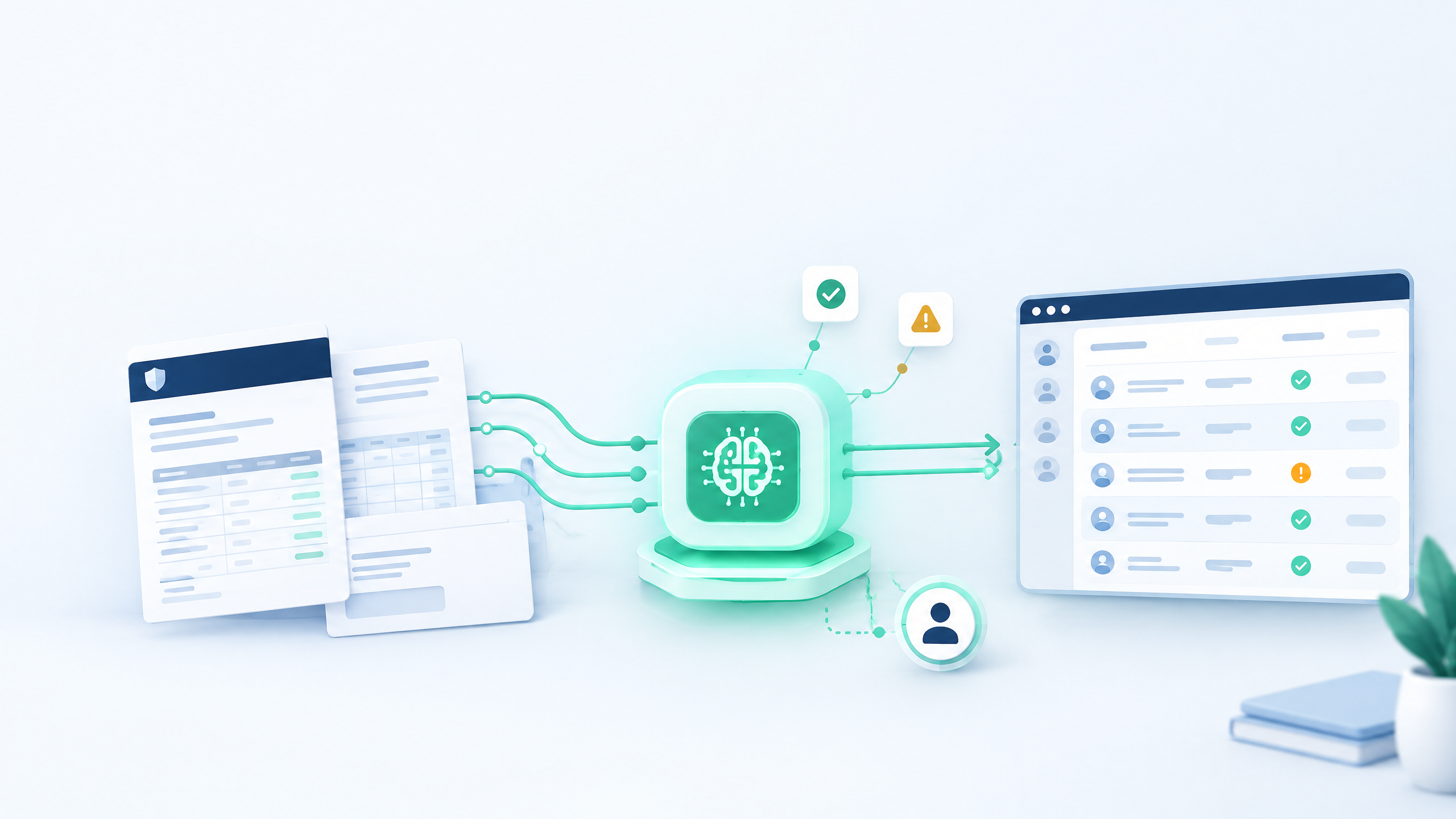
AI-powered automation can support parts of the payment-posting workflow by helping teams process routine information more efficiently and focus attention where judgment is needed. Depending on the tools and workflows a practice has confirmed, automation may help with tasks such as:
- Organizing payment and remittance information for review
- Identifying items that may need additional attention
- Reducing repetitive handling across high-volume workflows
- Supporting a more consistent process for routine cases
Automation should be designed around the practice’s actual processes. Teams should be able to review exceptions, correct errors, and understand what happened to a payment. Human oversight remains important, especially when information is incomplete, a payment does not match expectations, or an adjustment requires interpretation.
Keep the PMS workflow in view
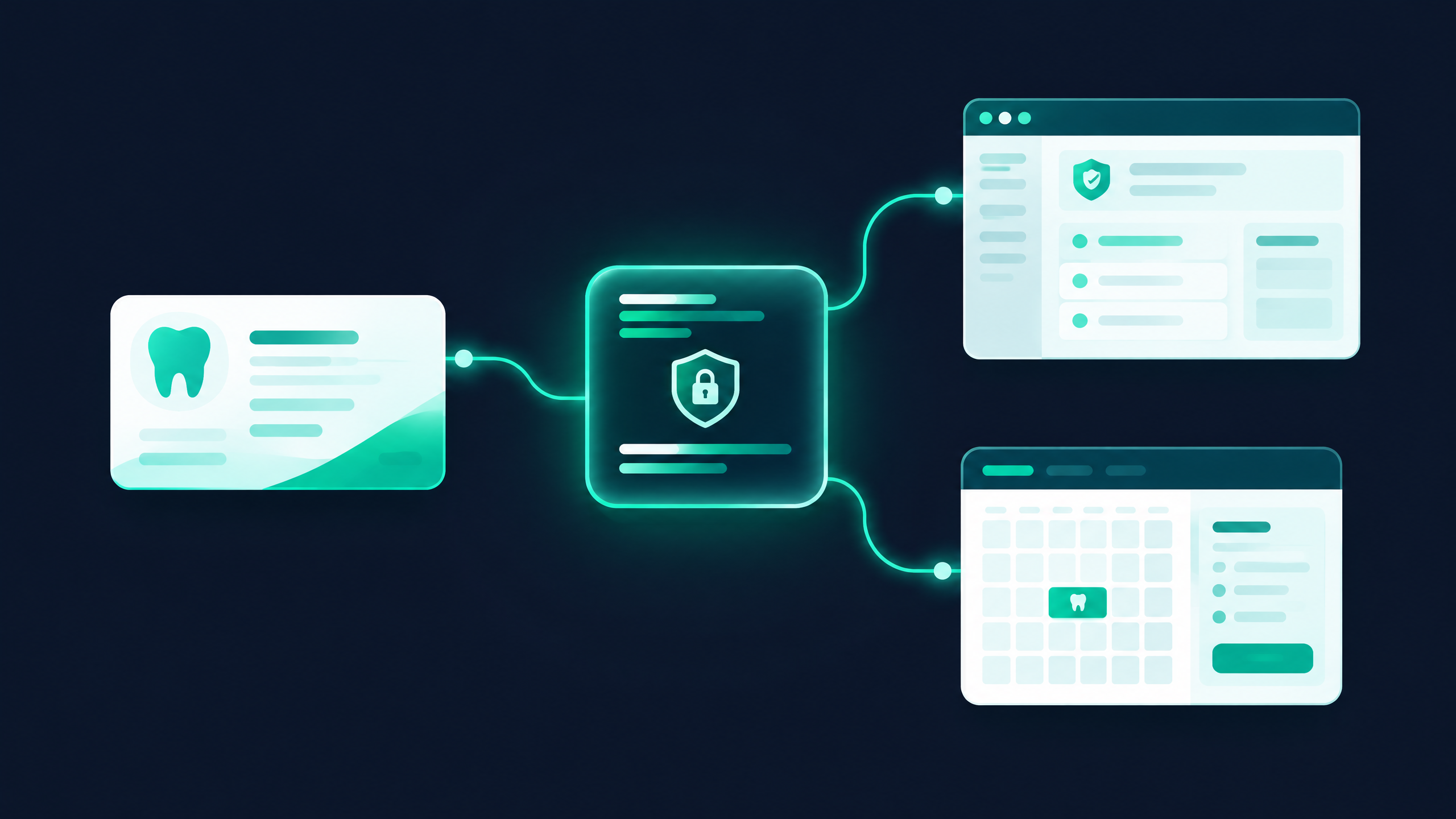
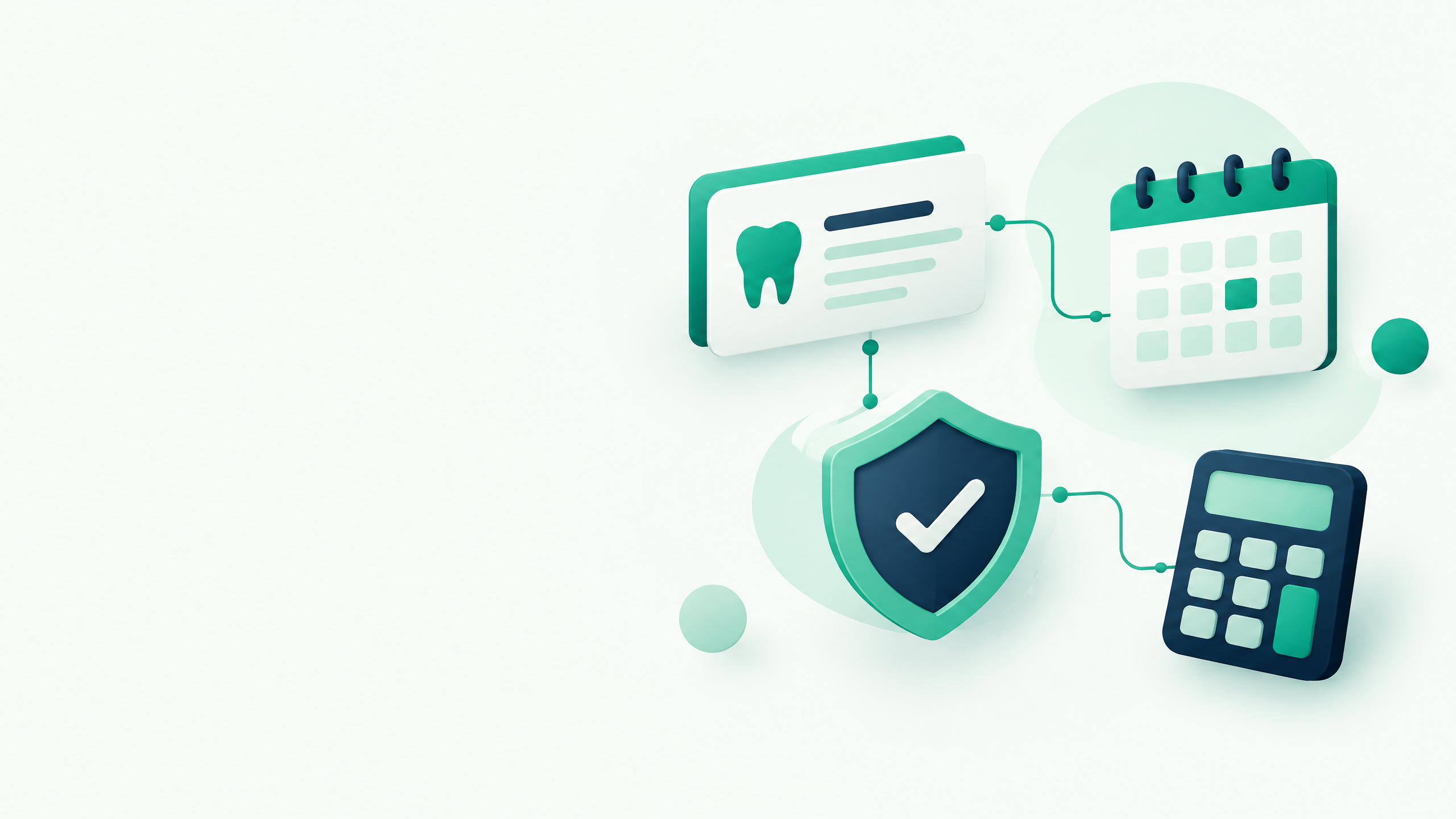
The PMS is an important part of the practice’s operating environment, but compatibility should never be assumed based on a product name alone. Dental organizations using Dentrix, Eaglesoft, WinOMS, or Oryx should confirm how any proposed automation works with their specific system, version, configuration, and internal procedures.
Before adopting an automated payment-posting workflow, ask:
- Which systems and versions are supported today?
- Does the workflow rely on a direct integration, an approved connection, or another process?
- What information is read or written, and where?
- Which cases are automated, and which are routed for staff review?
- How are corrections, exceptions, and audit records handled?
- What security and access controls apply?
These questions help distinguish a general automation claim from a workflow that has been validated for a specific practice environment.
A practical way to evaluate payment-posting automation
Start by mapping the current workflow. Record how payments arrive, where staff spend the most time, which cases most often require rework, and how exceptions are escalated. Then evaluate whether an automation tool can address those needs without obscuring review or accountability.
A useful evaluation should include representative examples: routine payments, partial payments, adjustments, missing information, and cases that need human judgment. The team should agree on what success means—for example, less manual handling, faster review, fewer avoidable errors, or more staff capacity for unresolved accounts—before measuring results.
Make room for the work that needs people
Payment-posting automation is most useful when it helps a team spend less time on repetitive handling and more time on decisions that call for attention. For dental organizations, that means evaluating AI-powered RCM automation in the context of the actual payment workflow, the PMS environment, and the controls the organization requires.
Dentistry Automation helps dental organizations explore AI-powered RCM automation. If your team is evaluating payment posting across Dentrix, Eaglesoft, WinOMS, Oryx, or another PMS, start with the workflow and confirm compatibility and supported capabilities with the provider.
See the workflow
Dentistry Automation runs verification, payment posting, and claims workflows with AI, backed by people for the exceptions. See how it works.
Discuss your payment-posting workflow
Review the Dentistry Automation payment-posting workflow or contact Dentistry Automation to discuss your current process and the capabilities that can be confirmed for your environment.