Your existing PMS
Keep the patient, appointment, ledger, and workflow context your team already uses.
Keep SoftDent
Automate insurance verification, payment posting, claim follow-up, and dental RCM without replacing SoftDent.
Keep SoftDent. Add modern AI automation without changing your PMS.
SoftDent workflow
Current workflow
PMS + staff process
Modernization layer
Configured automation
Payer + document context
Eligibility, remittance, claim status
Review + action path
AI preparation with human exceptions
Implementation note
The implementation plan begins with the SoftDent version, access method, workflow rules, and review controls your practice already uses.
The modernization layer
Dentistry Automation is not positioned as a replacement for SoftDent. It is a way to evaluate how verification, payments, claims, and A/R work can become more coordinated while your team keeps the PMS context it already relies on.
Keep the patient, appointment, ledger, and workflow context your team already uses.
Bring eligible payer, remittance, claim-status, and available document information into the configured workflow.
Automate repeatable preparation and route ambiguous, low-confidence, or policy-sensitive items to people.
Confirm the approved review, handoff, and write-back behavior for the specific environment before launch.
One PMS, connected RCM work
Each workflow is scoped around the deployed SoftDent environment, available data, access method, operational rules, and the review controls your team needs.
Organize appointment-driven eligibility and benefits workflows, then route exceptions to the staff who can resolve them.
Explore workflowMap available remittance, claim, and patient detail into a configured posting workflow with explicit exception handling.
Explore workflowMake claim status, missing information, and follow-up actions visible so the queue can move with intent.
Explore workflowPrioritize insurance A/R work with payer, status, aging, documentation, and deadline context.
Explore workflowConnect verification, claims, posting, and follow-up into a more coordinated operating workflow.
Explore workflowWorkflow evidence
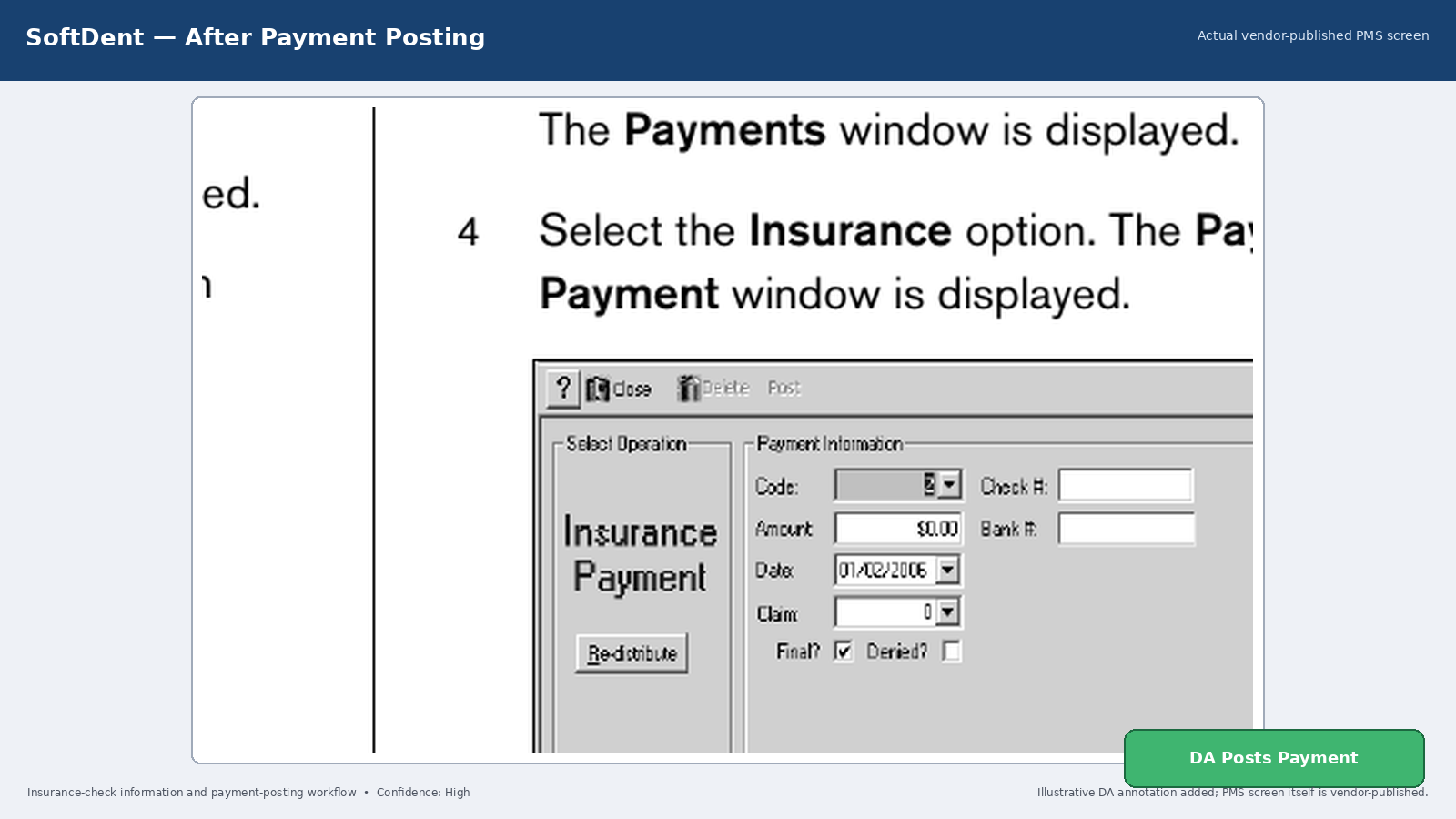
A vendor-published SoftDent payment screen used to illustrate the payment-posting context. The Dentistry Automation annotation is illustrative; workflow scope is confirmed during discovery.
A practical implementation path
Start with the manual work, the available data, and the decisions that still need judgment—not a disruptive PMS replacement project.
Review your existing PMS environment, revenue-cycle workflow, access model, and exception points.
Define the data inputs, review controls, matching rules, and any approved handoff or write-back behavior.
Compare the configured workflow with the current operating process before expanding to production use.
Introduce the approved workflow with clear ownership for exceptions, quality checks, and continuous refinement.
SoftDent FAQ
Bring the PMS, workflow, and manual pain points. Dentistry Automation will help identify the right configuration and review path.
See Dentistry Automation working with SoftDent